NFS Browser Not Working? Black Screen and Lag
Start with the browser and WebGPU. A new installer will not repair a page that never shipped one.

Black screen or a stuck load
Confirm hardware acceleration is on, then open the browser’s GPU page and look for WebGPU. Underground 2’s notes point Linux users at a Vulkan driver and, for some cards, the unsafe-WebGPU flag. Firefox on Linux is not in MDN’s supported WebGPU set as of 3 Nov 2026, so a black Firefox window there is consistent with that table.
Low frame rate
Underground 2 phones start at 75 percent resolution. Raising that to 100 percent is optional and the notes tell you to watch the frame rate first. The solo Most Wanted page defaults to 1920×1080 on a desktop. Comments there mention an Asus gaming laptop that struggled. That is one comment thread, not a benchmark.
Controller
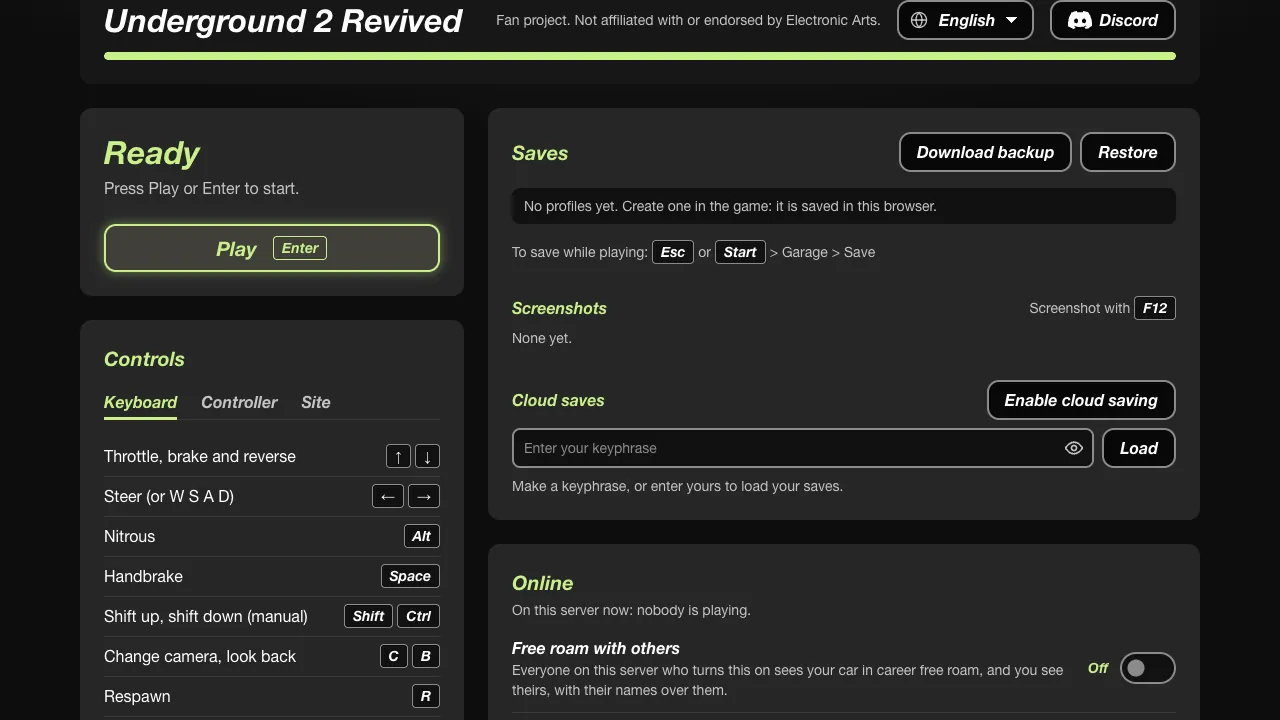
Underground 2 documents keyboard, gamepad, and wheel. If a pad is silent, check the site’s own control menu before you install a mapper. MWO and the phone guide are separate from the solo port.
Save gone after a refresh
Export first if the project offers it. Clearing cookies and site data to “fix” a black screen also deletes a browser-only career. Read the saves page, then clear storage.
Questions
The page says the file server is unavailable.
That wording shows up in comments on the dezm0n page. It is a player report about that project’s file host, not a code you can type.
Related
- Requirements — Versions that actually list WebGPU
- Saves — Before you clear the cache
Sources
- nfsu2-web PLAYING.md · checked 2026-11-03
- MDN WebGPU · checked 2026-11-03